How can I see what version of the Ocasta app I have installed on my device?
How to see what app version you have installed for Ocasta if you are logged in or out.
You can see what version of the app you have installed in a couple of places.
-
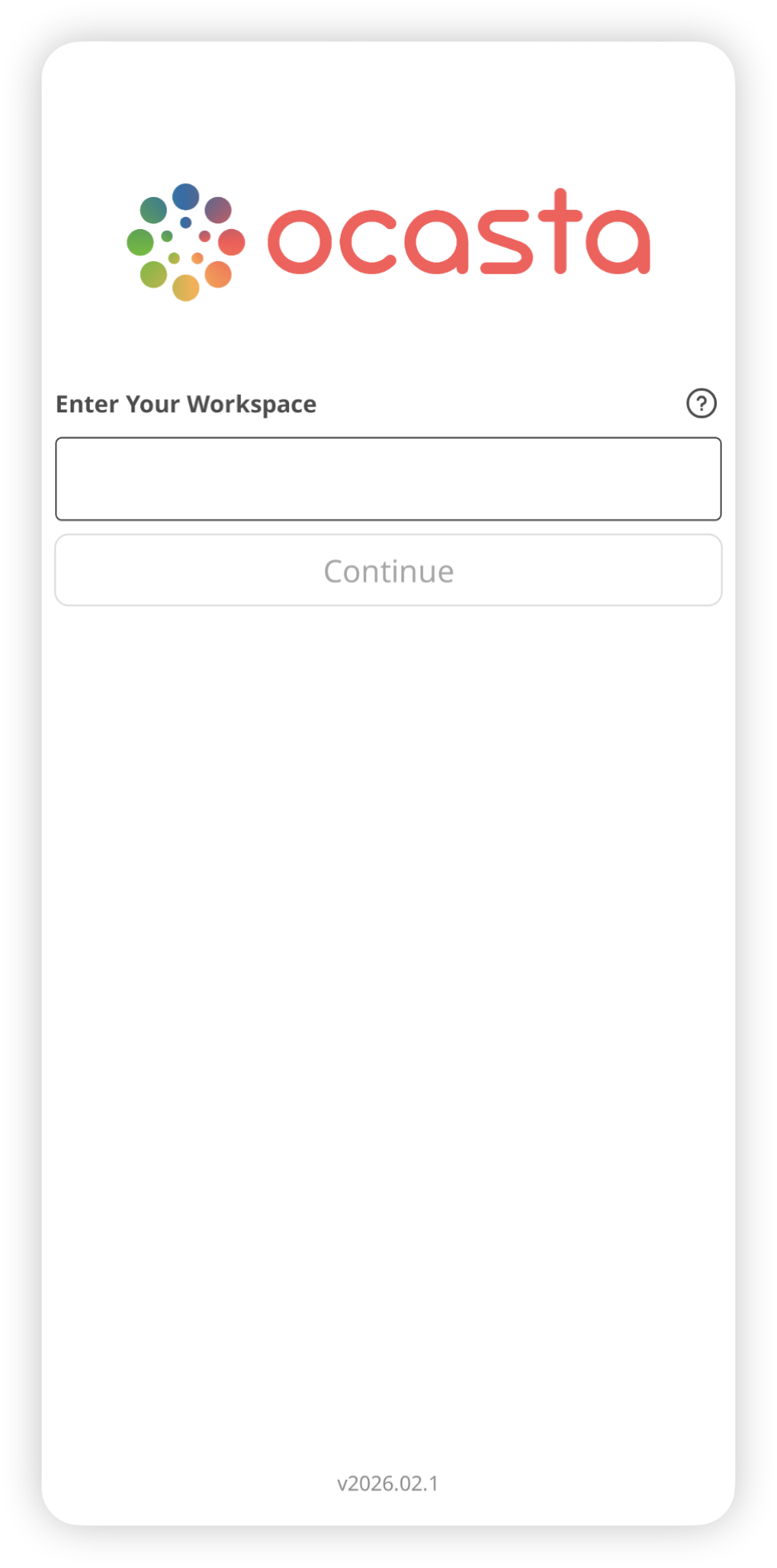
If you are not logged in you can see the app version at the bottom of the first login screen where you are asked to enter your workspace.
-
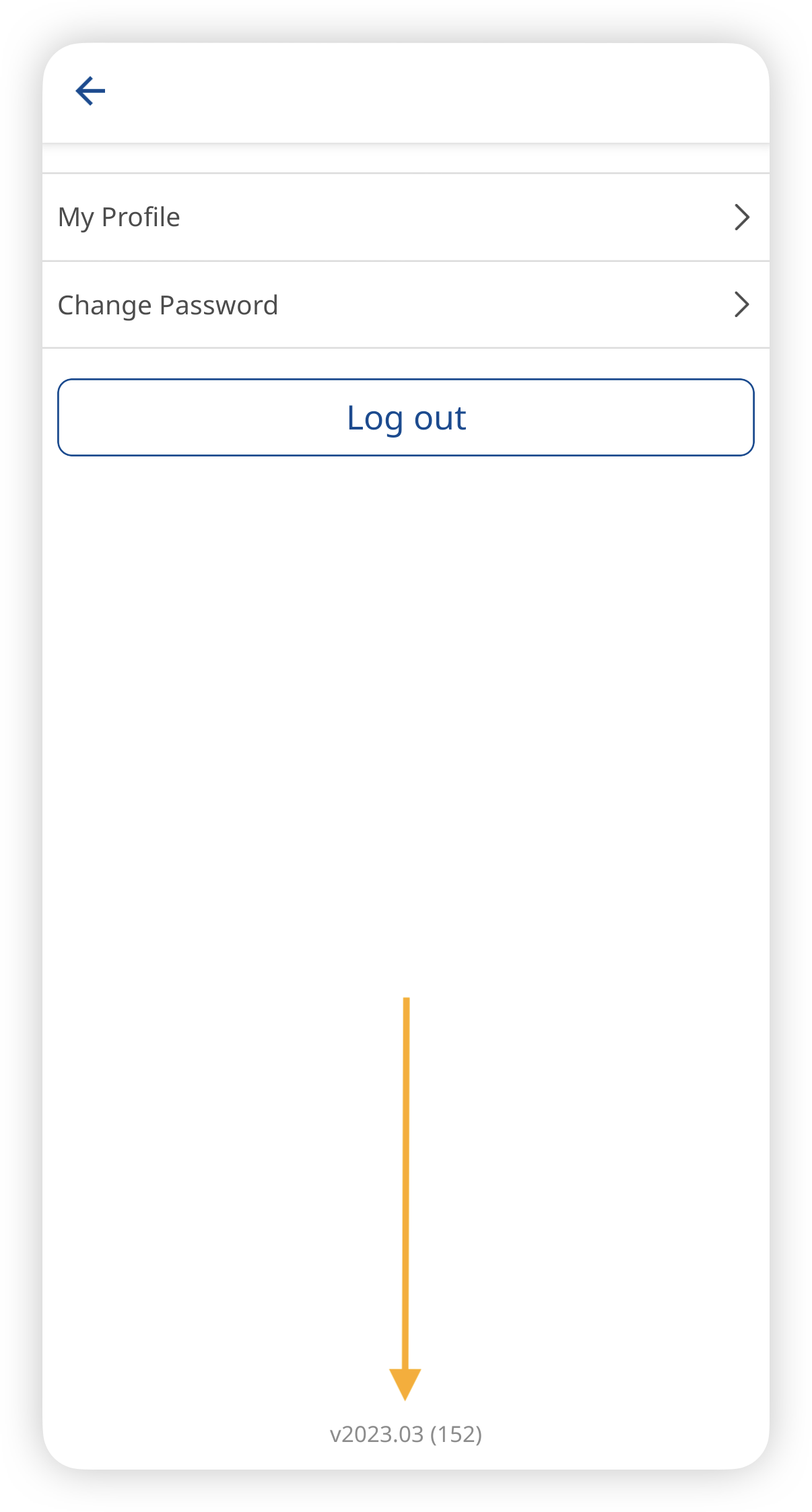
If you are already logged in, just tap your avatar/profile picture in the top right. You'll see the app version at the bottom of the screen.