
What do the different colour Insight tiles mean?
Applies to: Inspections & Checklists Hub | Observations & Coaching Hub
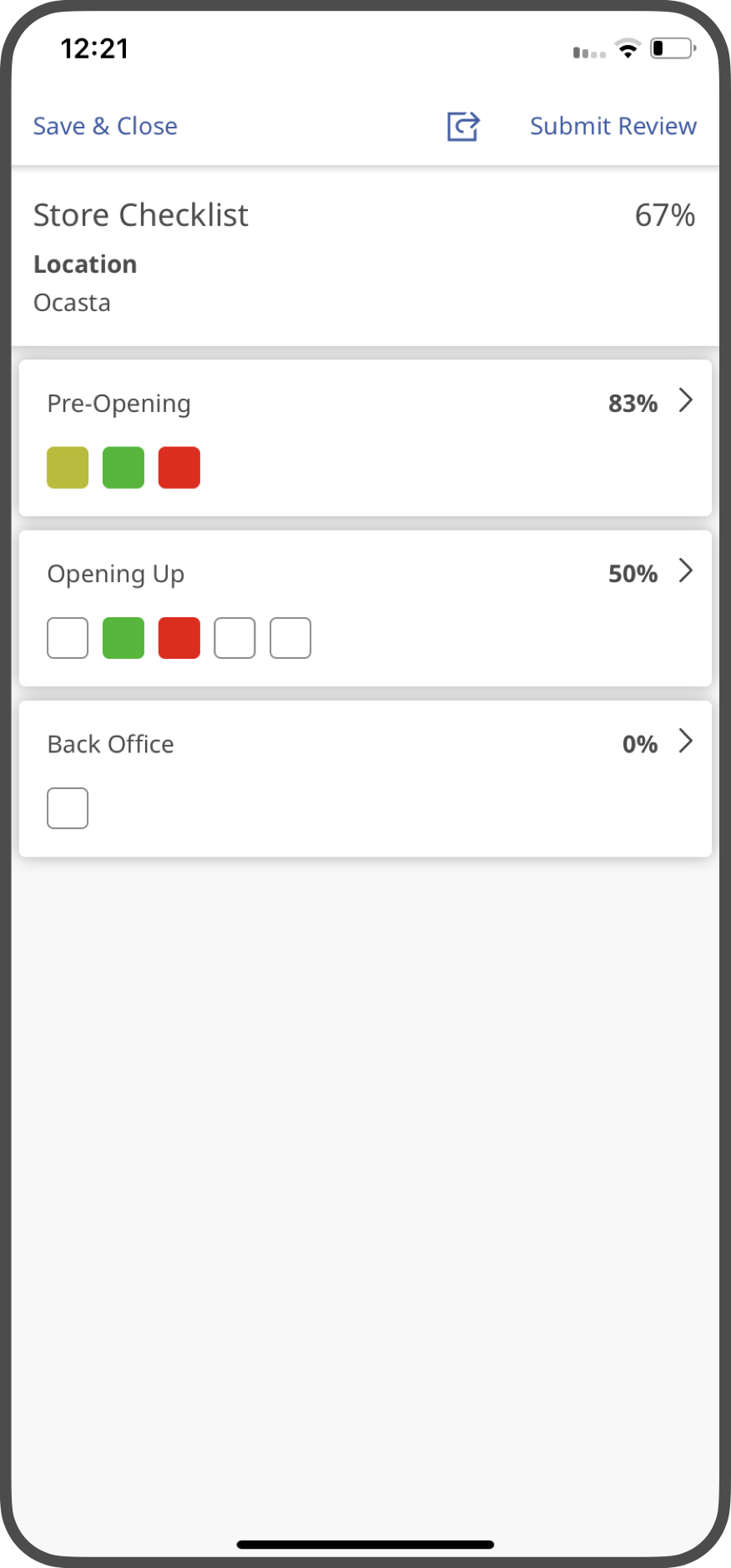
As you complete insights the tiles will become coloured to reflect the score. The gradient ranges from Red (poor) to Amber (okay) to Green (good). Insights that do not count towards the overall score will be coloured Grey.
If you are an admin user you can read all about how scores are calculated in this guide How are review scores calculated?