Ocasta App Launch Pack
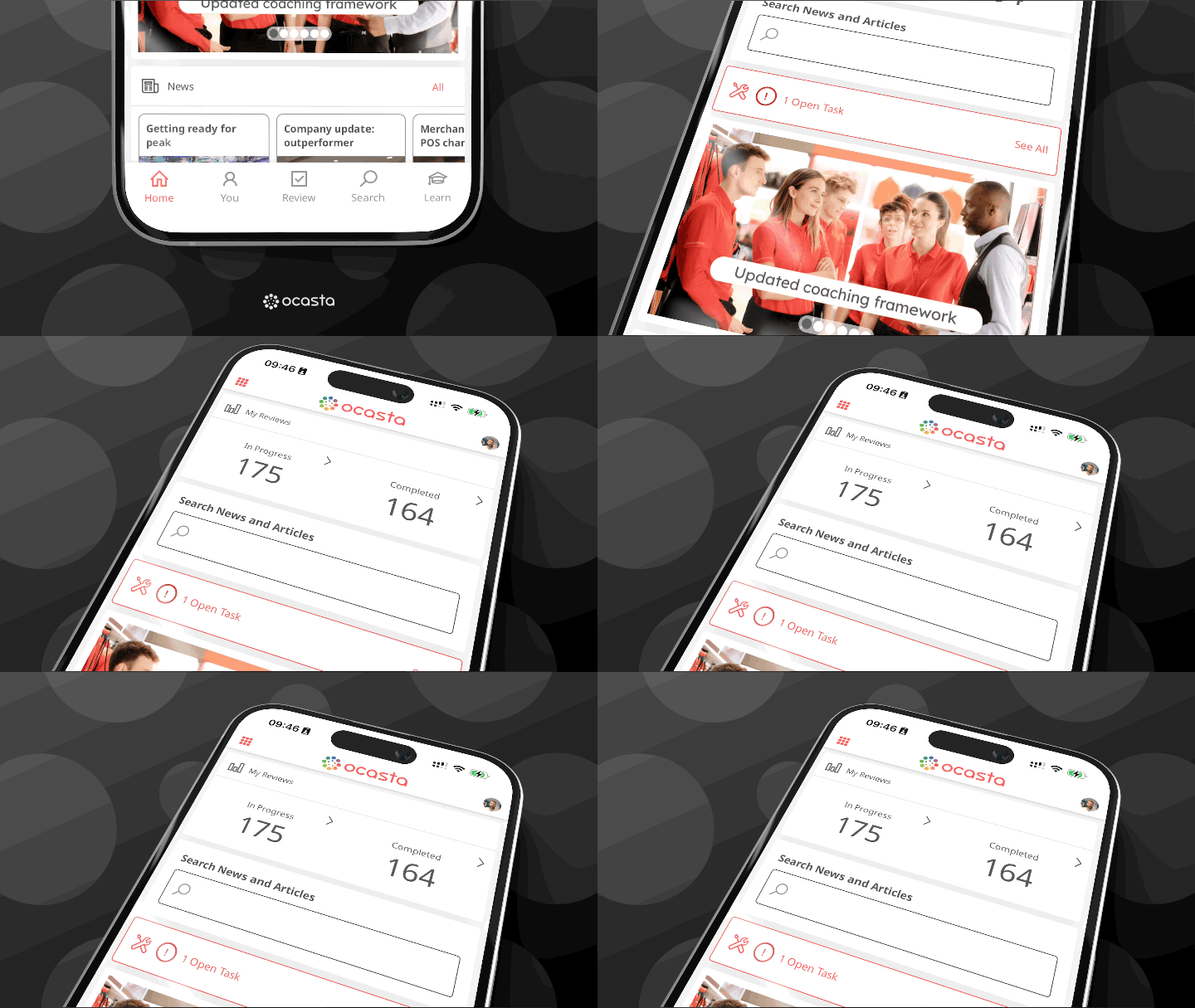
On the 5th of January 2026, Ocasta Engage and Review will be becoming one app, Ocasta.
This pack includes ready‑to‑send messages you can share
with your teams as we move to the new Ocasta app. Each section includes two comms:
- A heads‑up message to let your teams know what’s coming.
- A message for the week of the change so everyone knows what to expect.
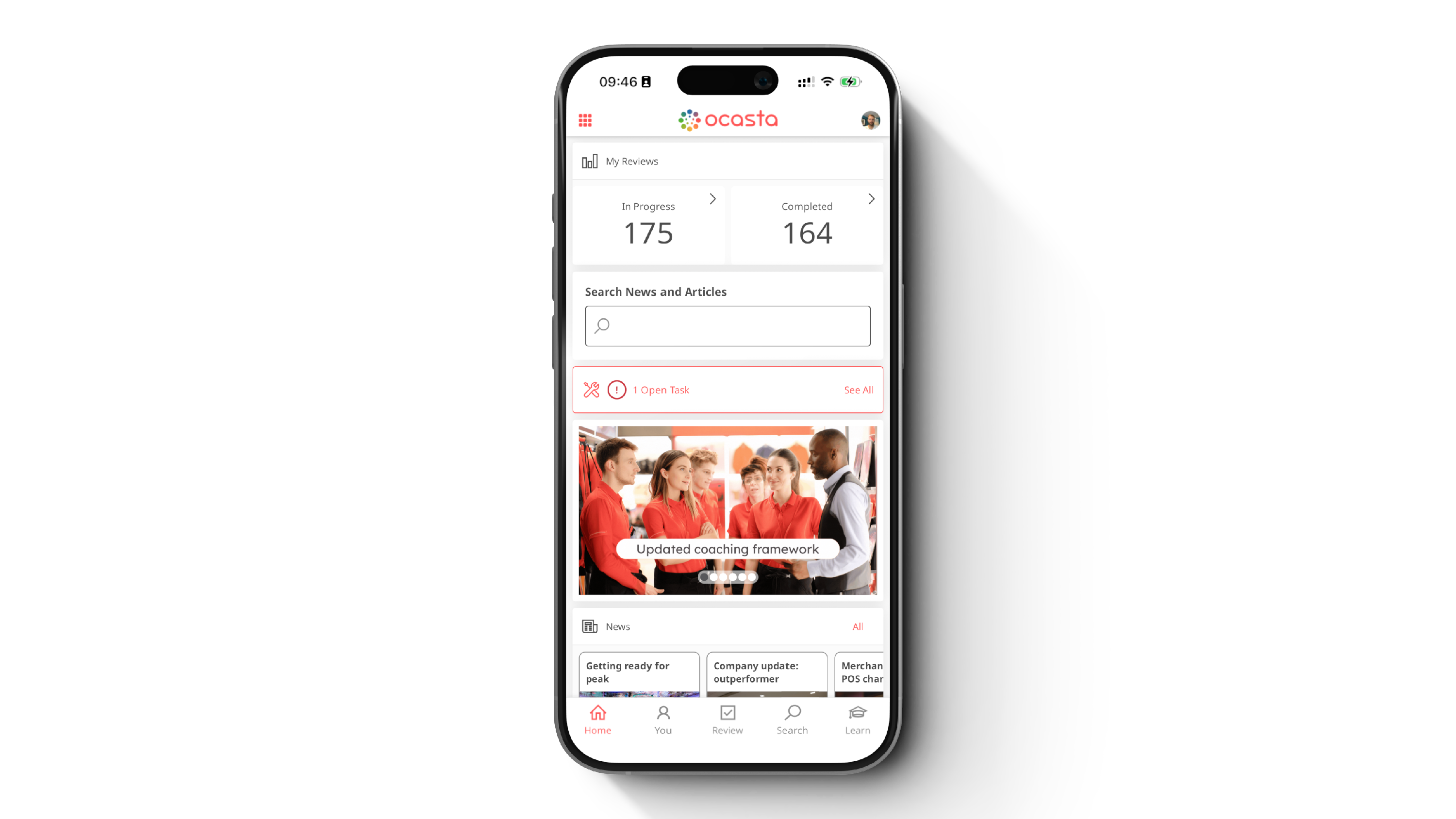
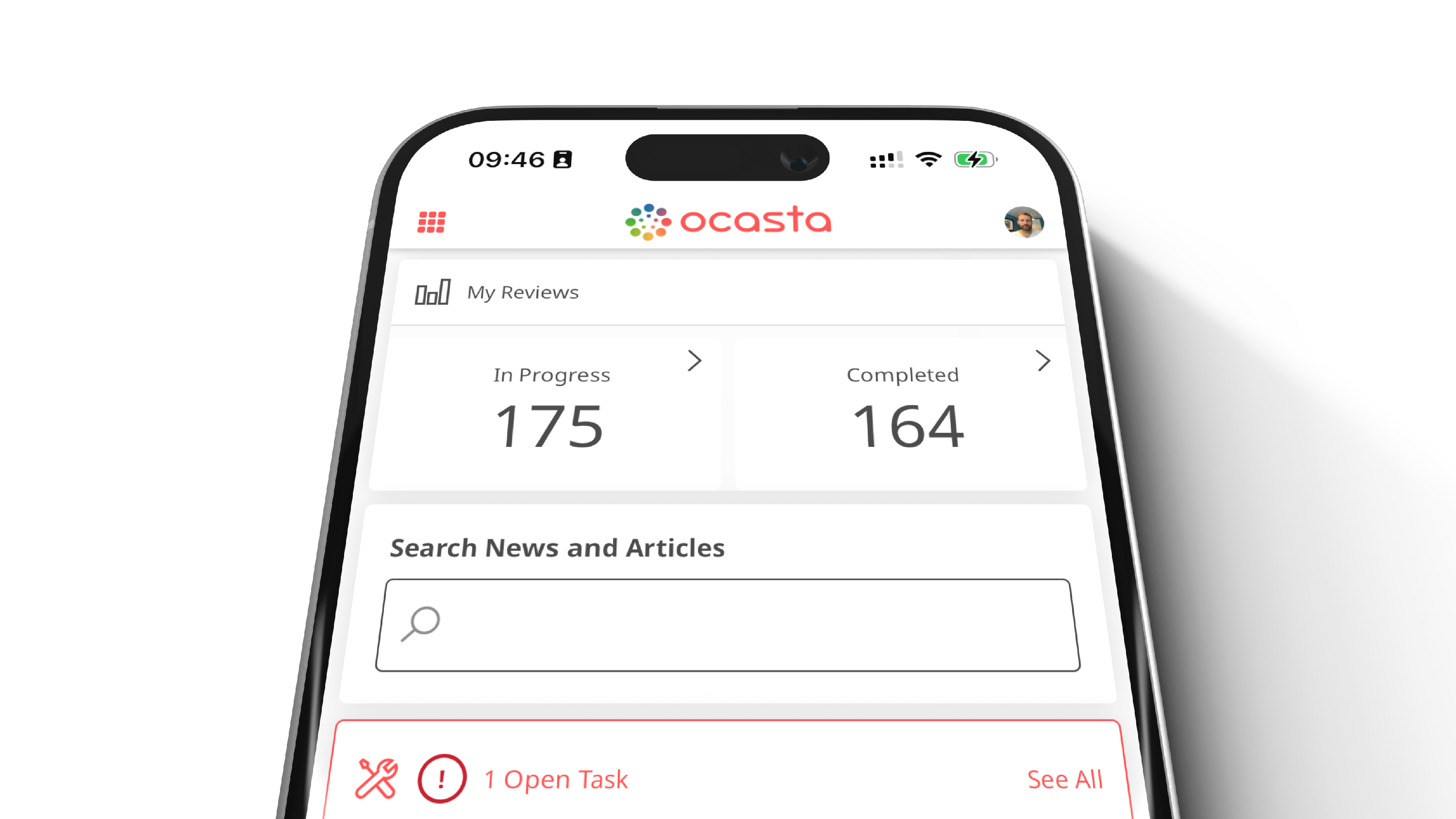
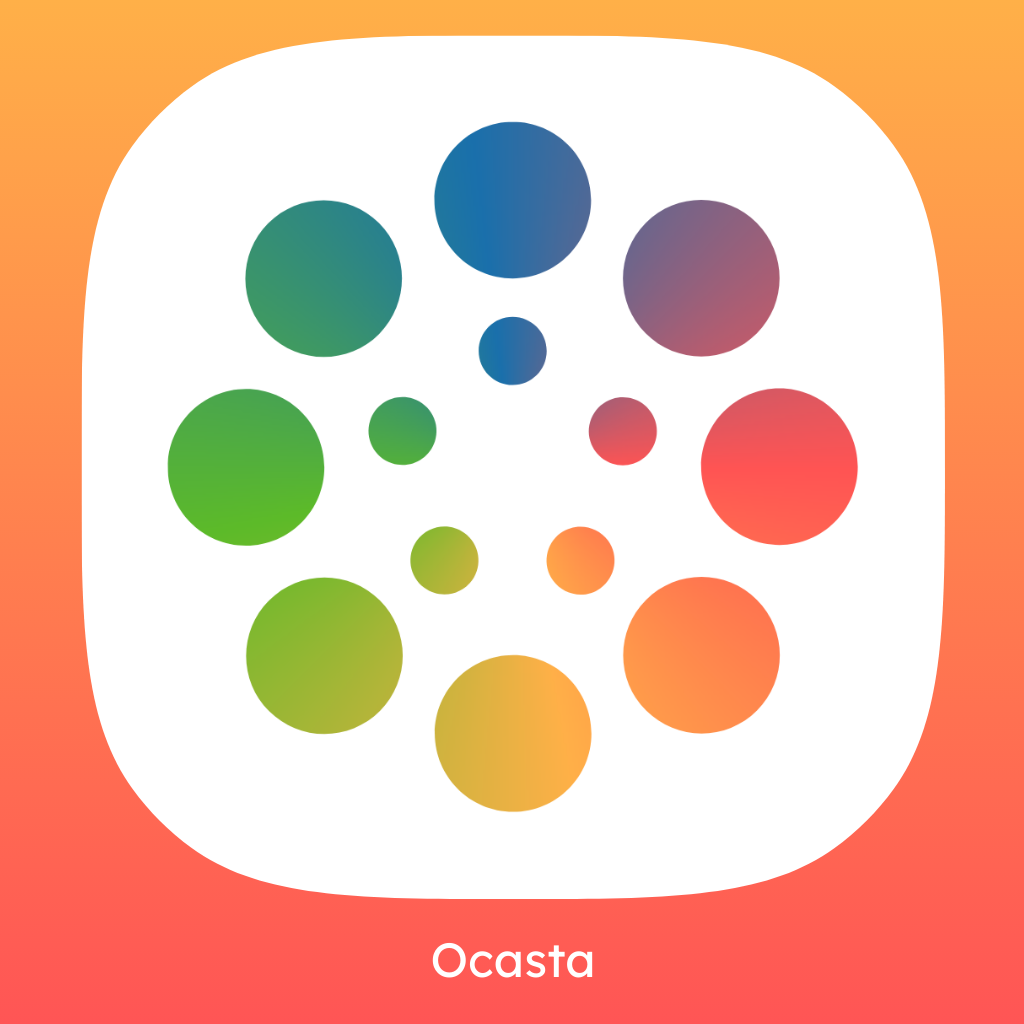
A resource pack is available, with images, the new Ocasta icon, and download links for the app (the same links currently used for Engage). You can drop those straight into your internal channels.
A quick note about the web The web experience will stay the same for now. We’ll share more about changes to the web layout later in 2026.
Feel free to edit these messages to suit your own tone and operational needs.
Get the new app icon, screenshots and images from the Launch Resource Pack.
The app download urls (if you don't currently use Engage) are: App Store or Google Play.
Comms for teams using Engage only
Heads‑up comms
Comms title: Your Ocasta Engage app is getting a new name
Hi there,
Your Ocasta Engage app will soon update to simply become Ocasta.
Why this change
We’re bringing everything into one app so it’s easier for you to find what you need in the moment. No switching between places, no guessing where things are — just one clear, simple space for updates, knowledge and tasks.
What’s changing
- The app will update automatically — you don’t need to do anything
- You’ll see a new app name and icon
- Everything you’re used to will still be there
You’ll still get all your updates, tasks and learning content, with improvements like better support for iPad and Face ID.
When is this happening? The update starts on 5th January and will roll out over a week.
Thanks, Your team
Week‑of‑change comms
Comms title: Your Ocasta Engage app is updating this week
Hi there,
This week your Ocasta Engage app will update to become Ocasta. The change will happen automatically, and you don’t need to take any action.
Why this change
Bringing everything into one app makes it easier to find what you need — updates, knowledge and tasks — all in one place, without switching.
What’s changing
- The app will update itself
- The name and icon will change
- All your content will still be there
If you spot anything unexpected, let your manager know.
Thanks, Your team
Comms for teams using Review only
Heads‑up comms
Comms title: We’re moving to a new Ocasta app
Hi there,
From 5th January, Ocasta Review will become part of our new all‑in‑one app: Ocasta.
Why this change
We’re creating one app for everything, so you don’t have to move between different tools. Reviews, tasks and visits all sit in one place, making it quicker to get things done and easier to stay on track.
What you need to do
- Download the new Ocasta app from the App Store or Google Play
- Log in using your usual details and workspace [enter workspace reminder here]
Everything you rely on will still be there — just with a new name and icon.
There’s no action to take until 5th January. After that date, we recommend switching as soon as you can. We'll send a reminder with download links nearer your time.
Thanks, Your team
Week‑of‑change comms
Comms title: We’re switching to the new Ocasta app this week
Hi there,
This week we’re moving from Ocasta Review to the new Ocasta app. You’ll need to download the new app and log in with your usual details.
Why this change
Everything now lives in one place — reviews, checks, visits and tasks — making it quicker and simpler to get things done.
What you need to do
- Download the Ocasta app from the App Store or Google Play
- Log in using your usual details and workspace [enter workspace reminder here]
Everything you rely on will still be there, just with a refreshed look.
Thanks, Your team
Comms for teams using both Engage and Review
Heads‑up comms
Comms title: One app. Everything you need.
Hi there,
From 5th January, Ocasta Engage and Ocasta Review will come together into one app: Ocasta.
Why this change
Using two apps can slow you down and make things feel a little more complicated than they need to be. By bringing everything together, you’ll have one place to go, one login, and a clear view of what needs your attention.
What’s changing
- You’ll now use a single app for everything
- The Ocasta Engage app will update automatically
- Once updated, you can delete the Ocasta Review app
You’ll still have access to everything you use today — learning, updates, reviews, checklists, visits and more.
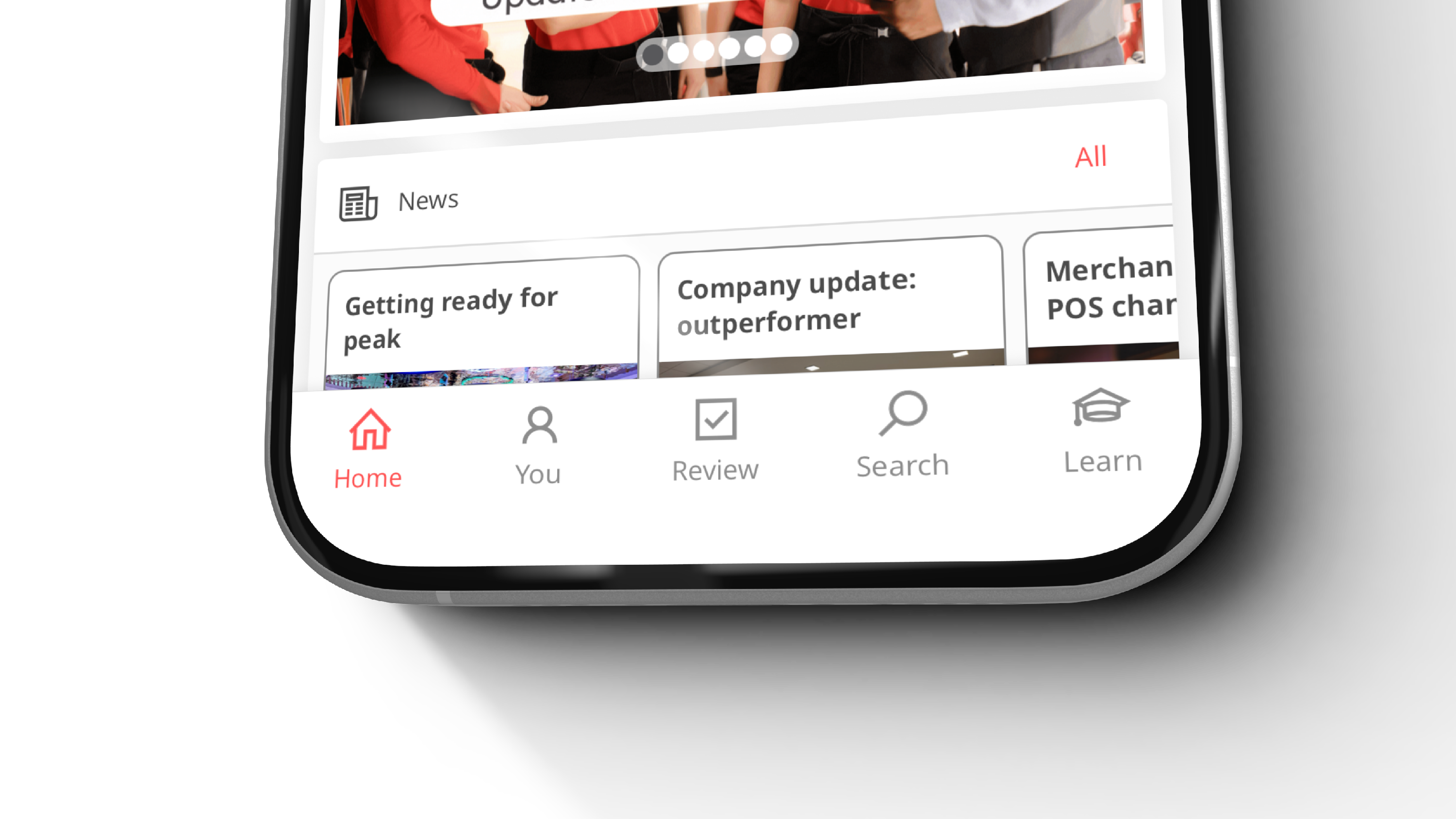
To complete your reviews, you'll now find a Review tab in the Ocasta navigation bar.
A quick note about the web The web experience will stay the same for now, so nothing will change there yet.
Thanks, Your team
Week‑of‑change comms
Comms title: One app for everything — updating this week
Hi there,
This week, Ocasta Engage and Ocasta Review come together into one app. Your Engage app will update automatically at some point this week, and once it does, you can delete the Review app.
Why this change
With everything in one place — learning, comms, reviews, checks and tasks — it’s easier to stay on top of what matters.
What’s changing
- Engage updates to Ocasta automatically
- Review can be deleted once the update appears
- All your tools now sit in a single app
To complete your reviews, you'll now find a Review tab in the Ocasta navigation bar.
Not got the update yet? It can take a few days to reach everyone. After the 12th of January you can check the App Store or Google Play updates to see if it's available to you.
If you have any issues, speak with your manager.
Thanks, Your team