
Can I delete a location or a region?
No — you can archive them instead.
Regions and locations don’t just organise your structure — they anchor your frontline activity and your people to a real place. Every inspection, review, and observation depends on knowing where it happened.
The same goes for your users — users are assigned to locations, which shapes what they see and do.
If they’ve been used, deleting them would remove that context and make your reporting unreliable.
Instead, archive them.
Archiving keeps your structure clean without losing insight.
When you archive a region or location:
- It’s removed from active lists
- Users can’t be assigned to it
- Historical data stays intact
- Reporting remains accurate
How to archive a location
- Log in to the admin
- Go to Locations → All locations
- Use the search to find the location you want to archive
- Select the location from the list
- In the Publish section on the right-hand side, select Edit under Status
- Change the status to Archived
- Select Update to save
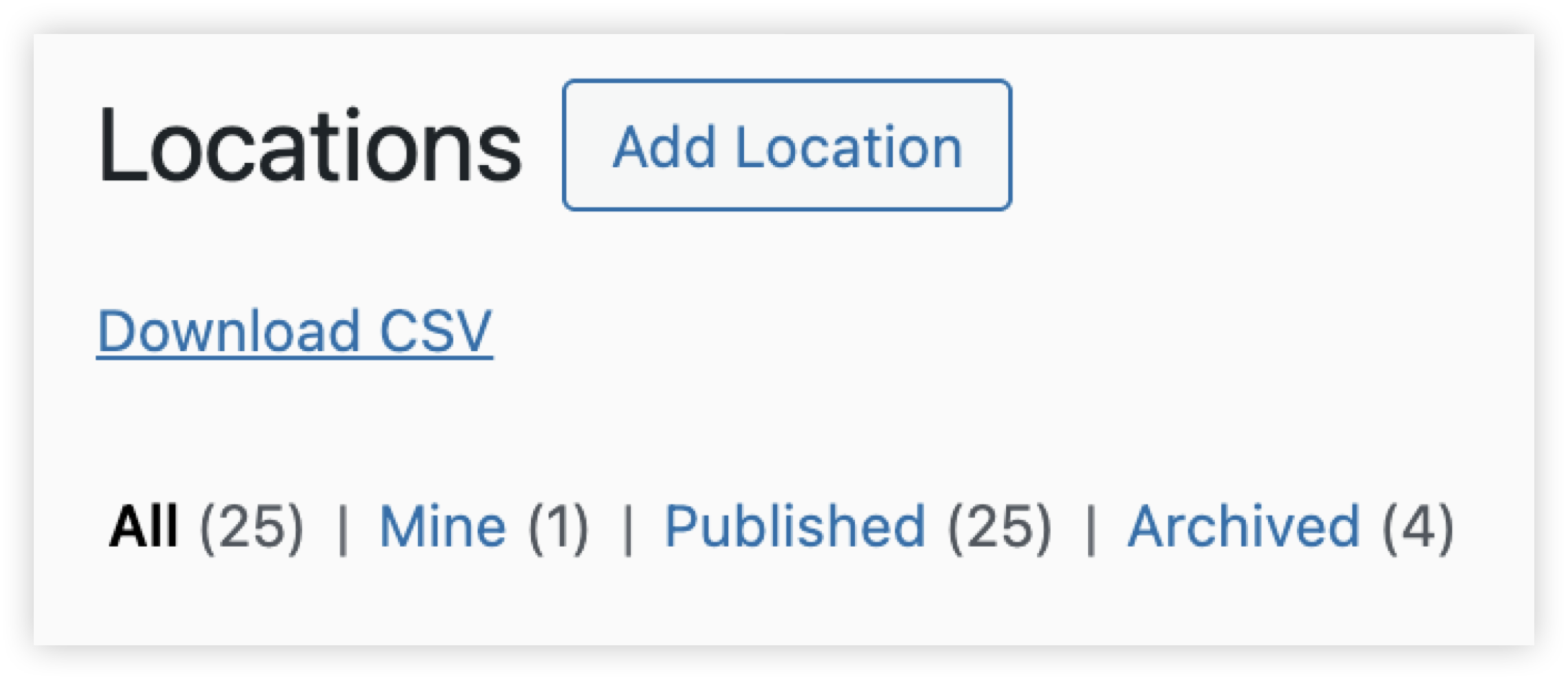
To view archived locations:
- Go back to the locations page
- Use the filters at the top and select Archived
How to archive a region
Archiving regions isn’t currently available for account owners.
If you need to archive a region, contact support@ocasta.com and the team will help you.