
Personal learning history
View your learning history
You can view your personal learning history on the You page under the My learning section.
Your learning history provides a timeline of your course activity, including courses you have started, completed, or abandoned, along with the date and time each action took place. This gives you a clear view of your learning journey and makes it easier to track your progress over time.
How do I see courses I've completed or attempted?
- Go to the You page.
- In the My learning section, select History.
-
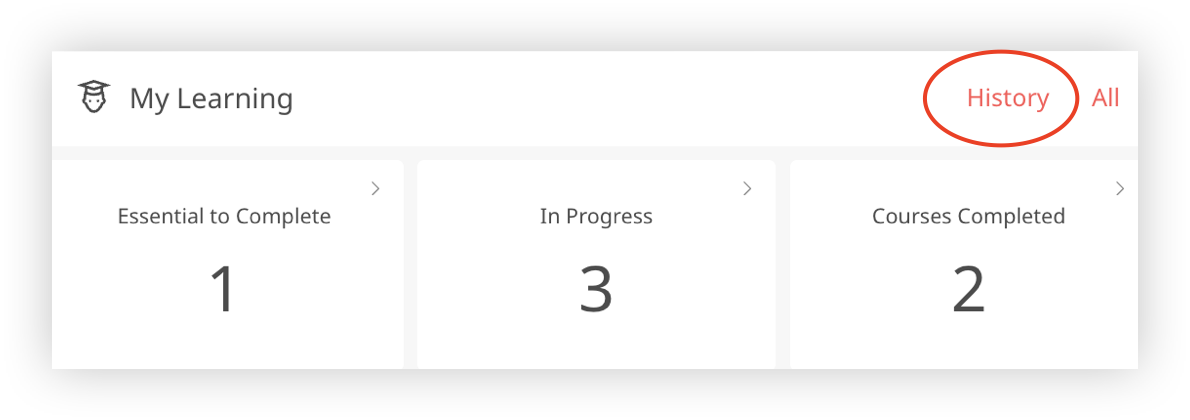
- You'll be taken to your learning history, where you can view all your previous course activity.
For each course, you'll see:
- Date and time – when you started the course.
- Course title – the name of the course.
- Course action – whether the course was Started, Completed, or Abandoned.
- Duration – the time taken to complete the course (shown for completed courses only).
This makes it easy to review your past learning activity and track your progress over time.