
How can I share or recommend a course?
You can share a course link in Ocasta, which is especially useful for managers who need to direct employees to a required course to complete.
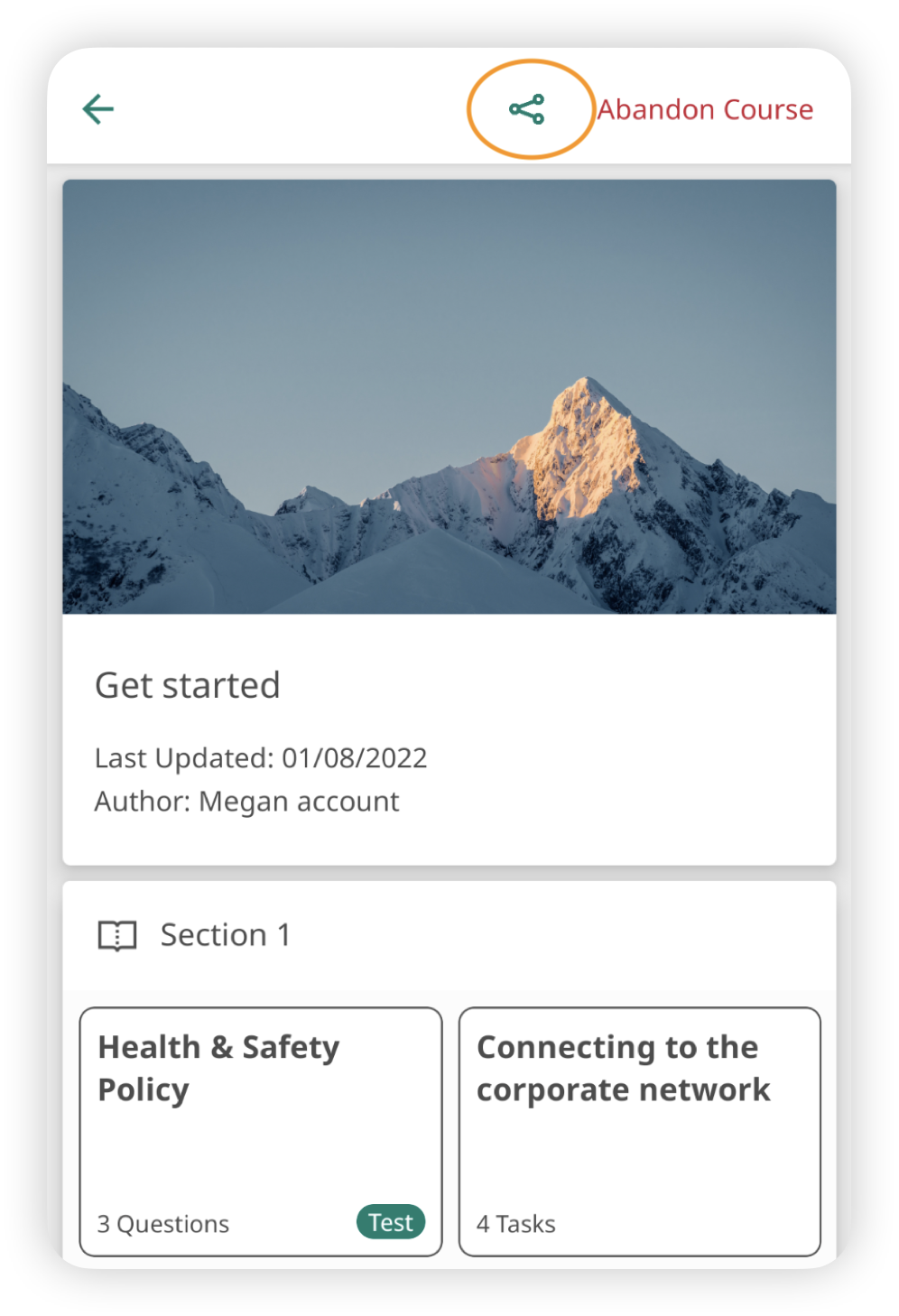
- In the app or on the web, select the course you want to share.
- Tap the share icon in the top right.
- In the app, this opens the native share sheet, allowing you to share via email, Slack, WhatsApp, and more.
- On the web, the share icon copies the course link to your clipboard for easy sharing. There's also an option to send the link via email, which opens your mail app with the course link pre-inserted.